Export to Equipment
 Required Setup
Required Permissions
Required Setup
Required Permissions
To use this feature, your VAS PULSE Platform user account must be assigned to a Role with Feed Write permissions. See Edit Dairy User Permissions and Manage Dairy Roles for more information.
The Export to Equipment feature allows you to quickly send any feed changes to FeedWatch (on-premise) and out to your equipment. This includes any adjustments to recipes, ingredients, or DM% Dry Matter Percentage completed in FeedWatch (on-premise) or PULSE.
To access this option, select the Integration Status button and view the FeedWatch tab.
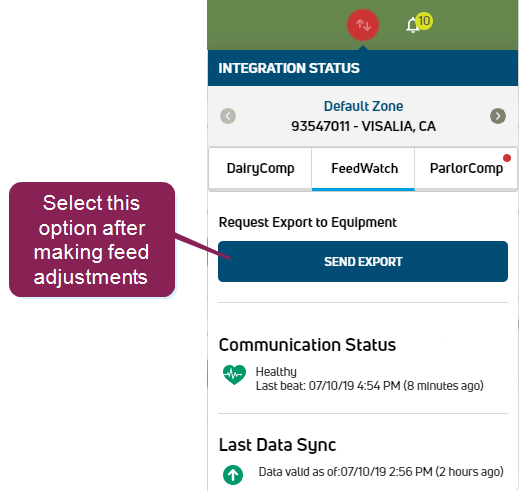
Select Send Export to export your feed changes to FeedWatch (on-premise) and equipment. The button changes briefly to a  to indicate that the export was completed.
Last Built: February 05, 2026